
Graphics Package | 48
This serves as the foundational guideline for maintaining consistency, usability, and accessibility throughout the school website. Canva is an excellent tool to apply designs assets to.
News Tiles
News | Template
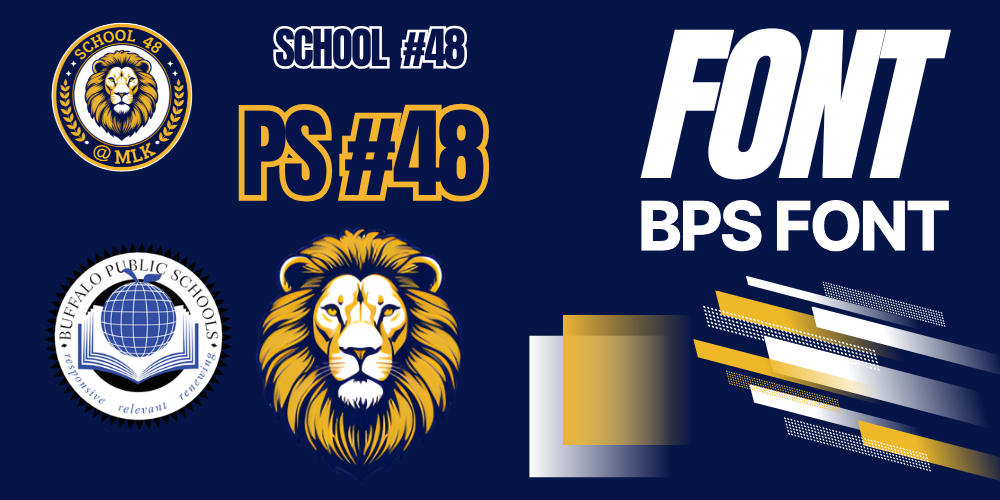
Open - Add pages copy and paste assets from the first page to the page you're editing. Download image. Post
News | Default

Download as Needed (News default)
News | Sports

Download as Needed
Social Media
The templates below have graphic assets for School 48. If you click the images, they will open up a new template. Add pages to the design, then copy/paste onto your new page design.
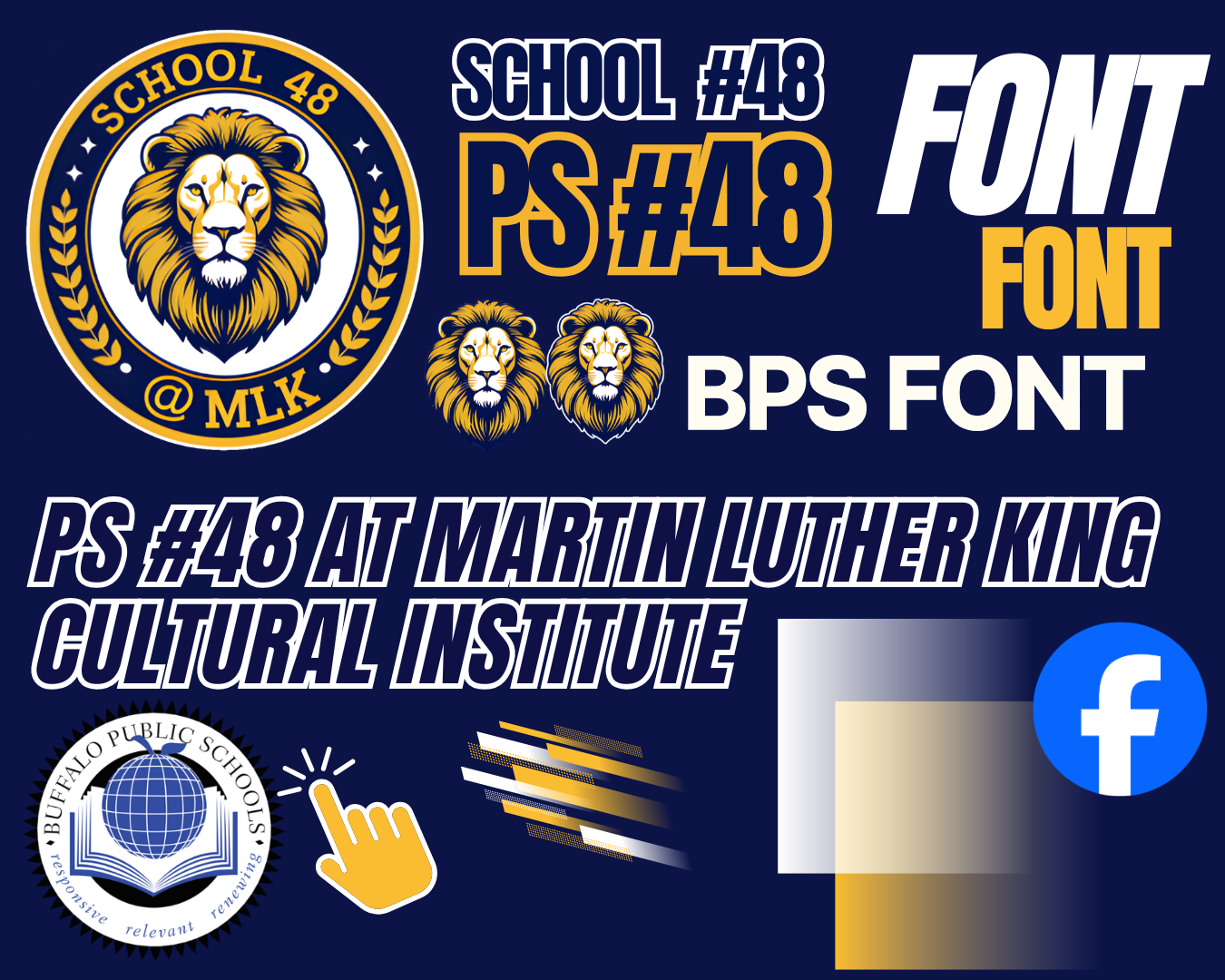
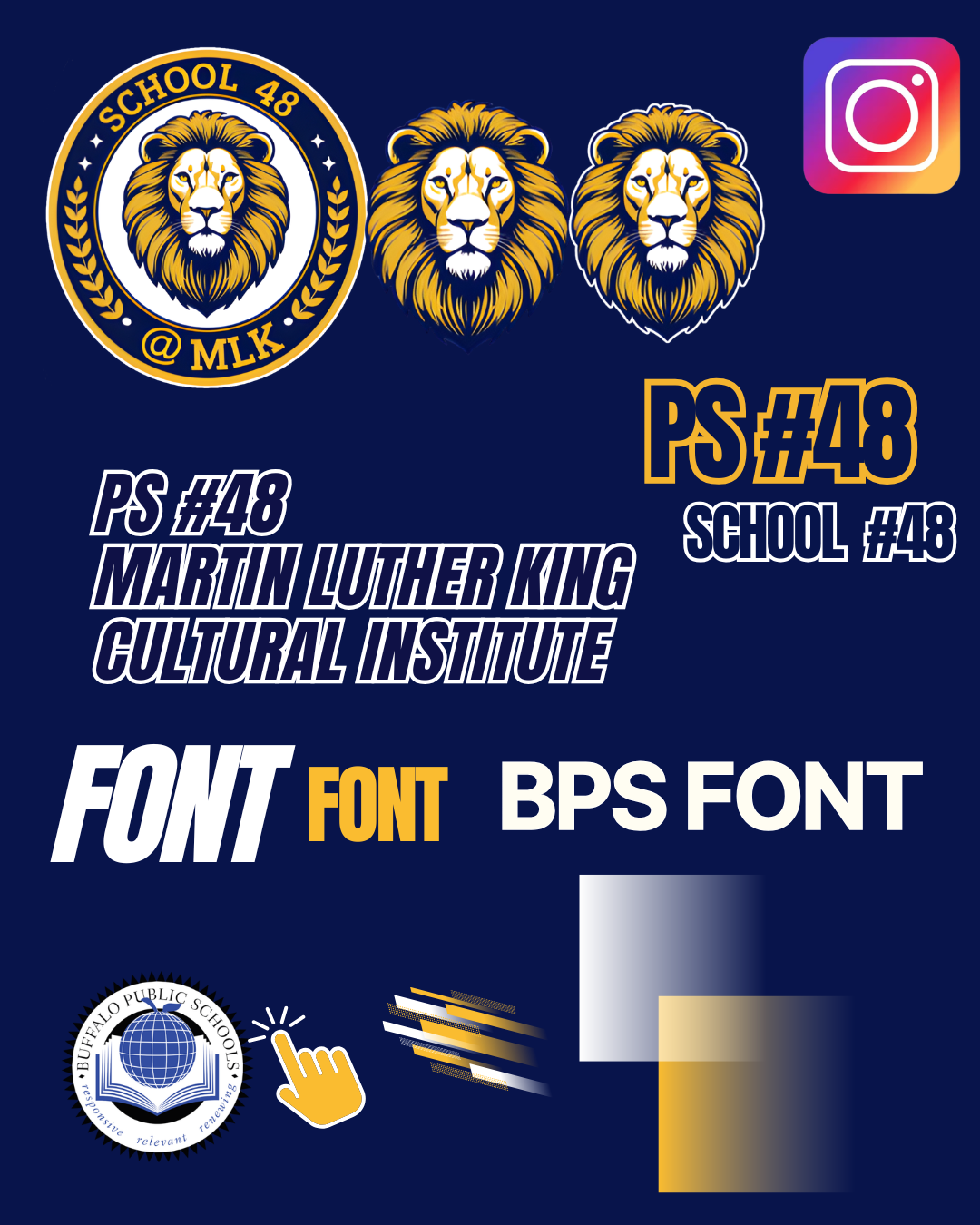
Logos
Regular Size
For General use, images below have transparent backgrounds.
Thrillshare Profile Pic
Use these small logos with white backgrounds for your Thrillshare profile picture, this is great for when posting to the Live Feed or News



Design
Hex | Color Codes
School Design Expectations
Design Fonts
Font is described as a set typography or text characters in a specific style and size. (The BPS Web Team frequently uses fonts listed below from the Canva design website.)
Inter
Anton
League Gothic
Oswald
Calibri
Visual Design Tips
Visual Design Tips
Align left in your designs ⬅️
Use the space element - "let your information breath".
Use contrasting colors.
Be consistent with patters, font hierarchy.
Be less wordy.
Web Design Tips
Do not hyperlink "Click Here" 🚫
Use header elements like an outline.
Space your elements symmetrically.
Create a back button to "our schools page"