
Building Rentals
All BPS stakeholders and community members can request to rent a building through FMX using the instructions below.
Rent a Building | Submit a Request with FMX:
*See instructions below. For general questions, please contact rentals
BPS Staff Instructions
Click the FMX link at the top of this page.
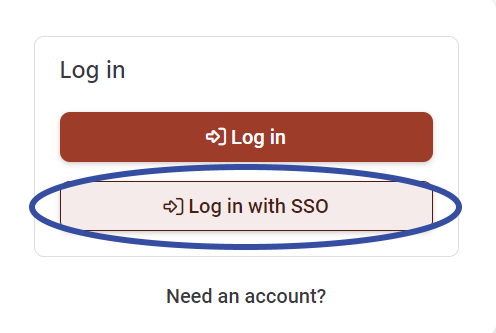
Select "Log in with SSO".
Select "New request" (top-right) to submit your request.
For further assistance, please seethe scheduling requests tutorial video.
For general questions, please contact rentals
Community Member Instructions
First Time Using FMX to Submit a Building Rental Request? | Create Account
Click the FMX link at the top of this page.
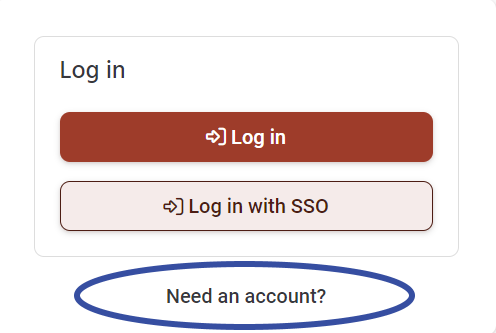
Click "Need an account?"
Create your account.
Already Have an Account?
Click the FMX link at the top of this page.
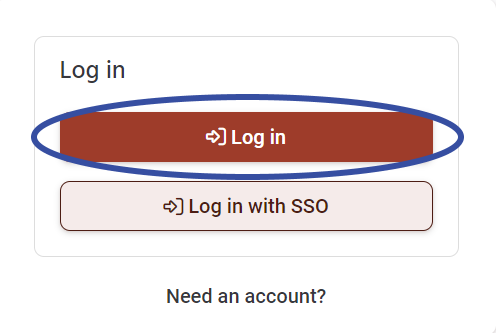
Select "Log in".
Select "New request" (top-right) to submit your request.
For further assistance, please see the scheduling requests tutorial video.
For general questions, please contact rentals